Moazz Dev
About the Project
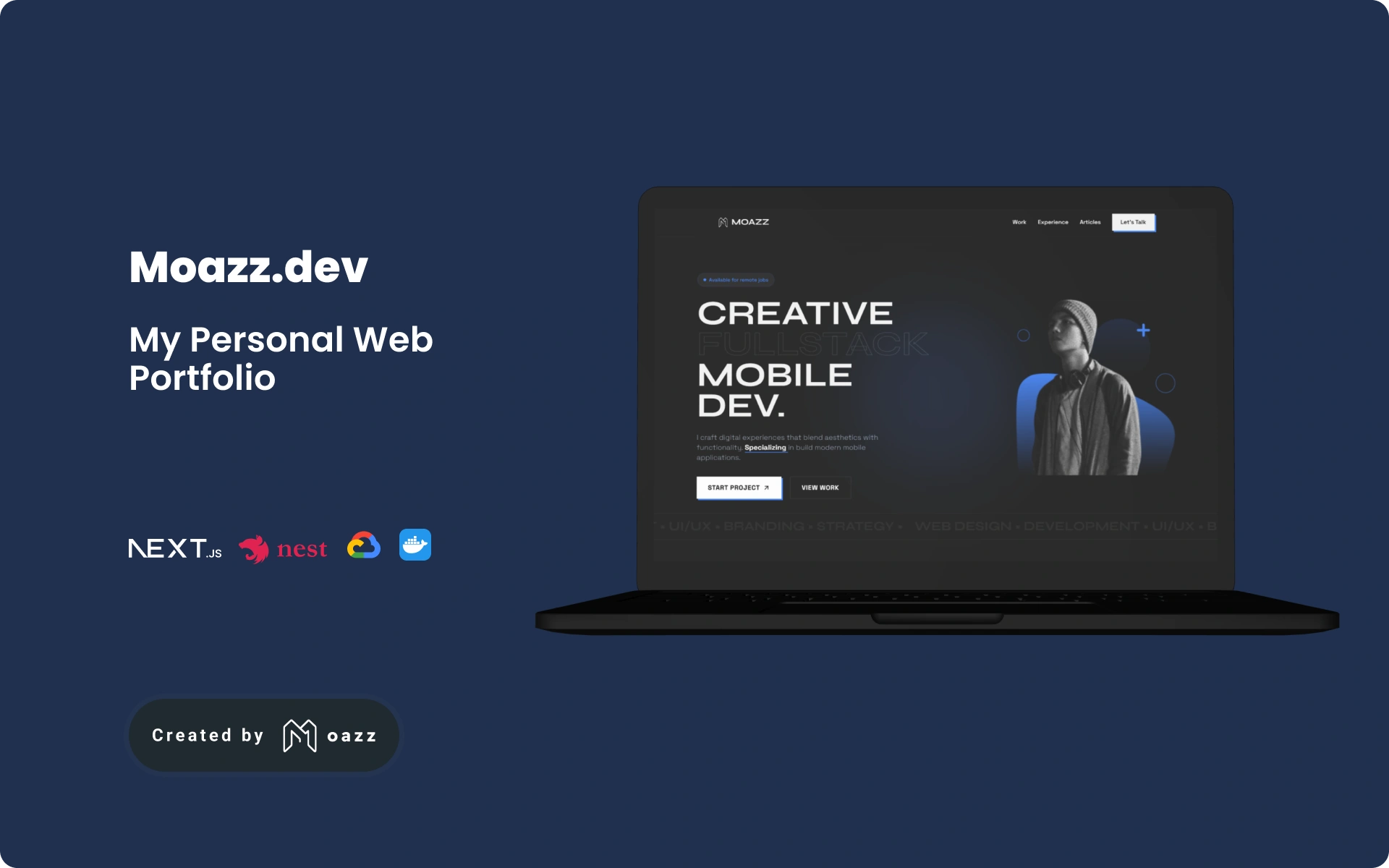
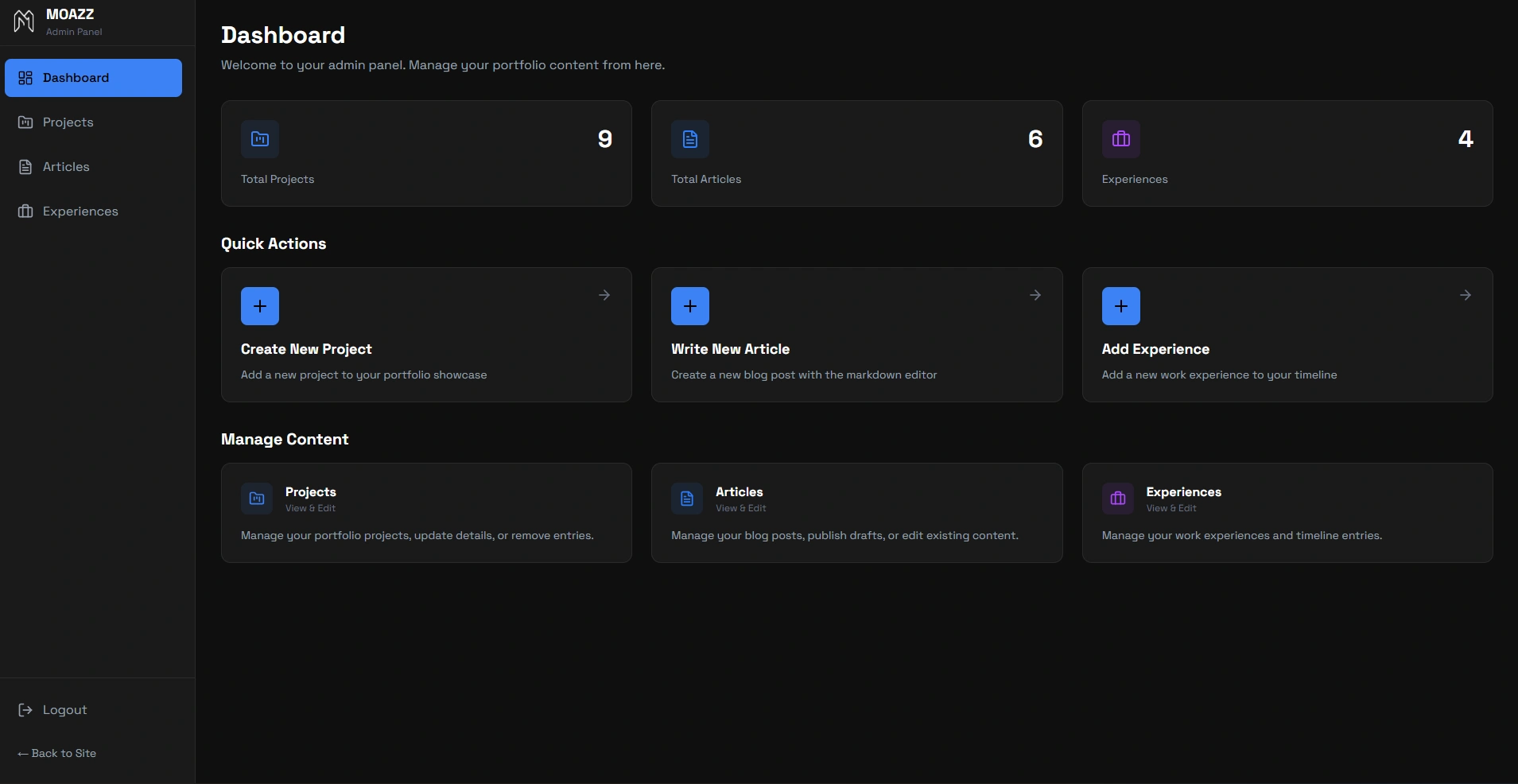
For a developer, a portfolio website is more than just a place to list experience but it can be a place to show my skills and people know about myself. I recently decided to rebuild mine from scratch, turning it into a full-stack journey to test the limits of a modern tech stack. I chose NestJS for its modular backend architecture, Next.js for its seamless server-side rendering, and Supabase to handle my PostgreSQL database and storage, all orchestrated within Docker containers.
Refactoring the Chaos: The API Layer
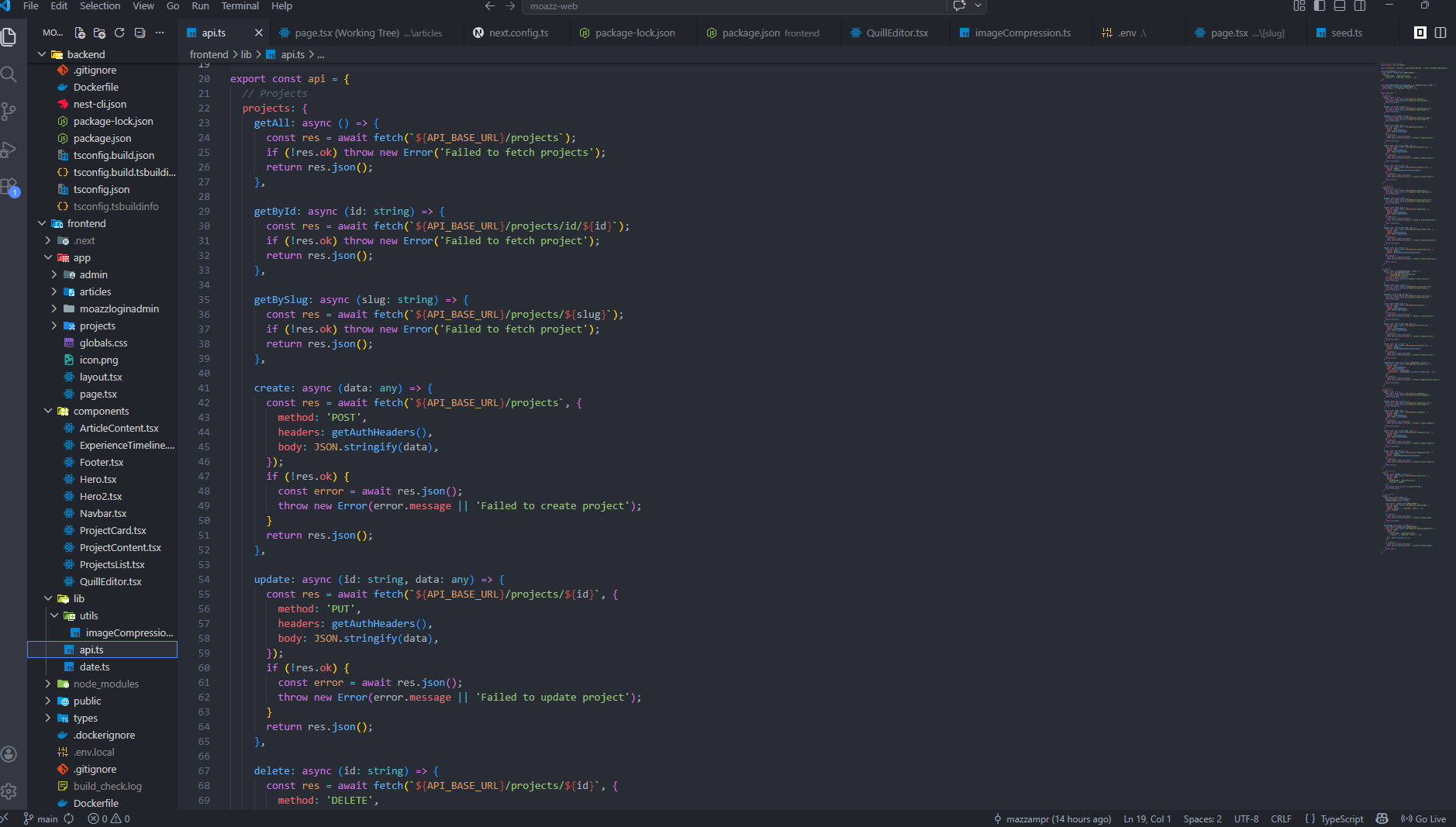
One of the earliest hurdles was "API spaghetti." In the beginning, I had fetch calls scattered across my admin pages, each handling authentication and headers differently. It was a maintenance nightmare waiting to happen. To fix this, I centralized everything into a single API layer. This shift allowed me to replace messy fetch blocks with clean, reusable calls like api.projects.getAll(). This refactoring taught me a vital lesson: centralize your logic early before technical debt becomes unmanageable.
The Battle with Rich Text
Integrating the Quill rich-text editor for project descriptions seemed simple at first, but rendering that content on the public site was another story. I was met with raw HTML tags and broken alignments. To solve this, I implemented two strategies: rendering HTML properly for detail pages and stripping tags for clean previews. I also had to write custom CSS to ensure that classes like .ql-align-center actually centered images and text, bridging the gap between what I saw in the editor and what the user saw on the page.
Polish and Performance
I believe the "small" features define the final quality of a product. To make the site feel professional, I added:
- Auto-generated Slugs: Project titles like "My Awesome Project" automatically become SEO-friendly URLs.
- Image Lightbox: A fullscreen modal that opens when any image is clicked, providing a premium viewing experience.
- Smart Tech Filtering: A system that only displays technologies used in multiple projects to keep the UI clean and relevant.
These interactive features required a deep understanding of Next.js Client vs. Server components, ensuring the site remained fast while offering a highly responsive user interface.
Deployment: Taking Control with GCP
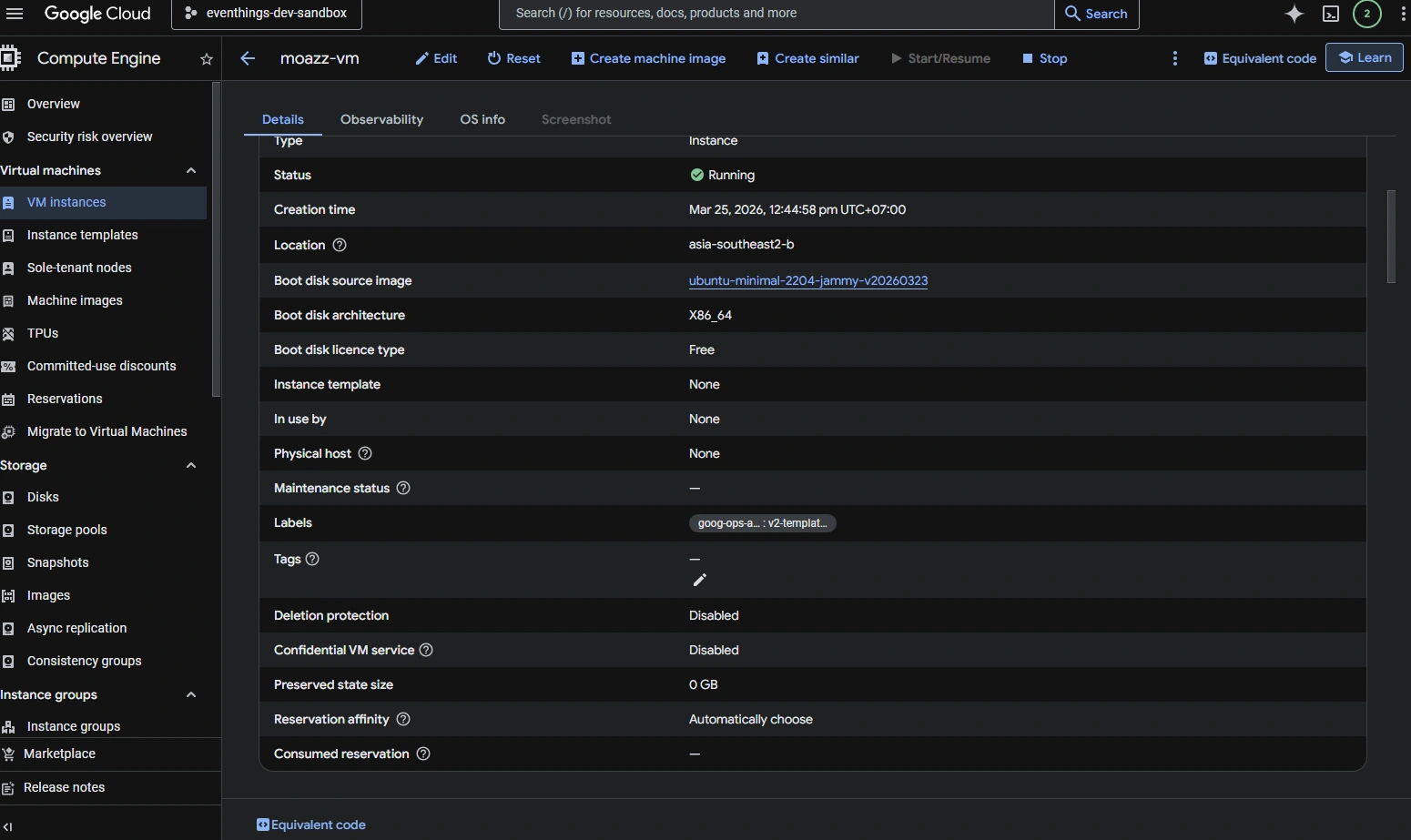
The most rewarding part of this project was moving beyond simple "click-to-deploy" services. I chose to take full control of my hosting by deploying the entire stack on Google Cloud Platform (GCP). I learned to configure VPS VM instances (Compute Engine) from scratch, setting up a secure environment to run my Dockerized containers. Managing my own VPS allowed me to understand the nuances of server management, port forwarding, and resource allocation, ensuring that the backend (NestJS) and frontend (Next.js) communicate perfectly within a production-grade cloud environment.
Lessons from the Build
Building this site forced me to be both the developer and the client. I learned that TypeScript is indispensable for catching runtime errors before they reach the user, and that rich text is never as simple as it looks. Today, the portfolio is a live, maintainable ecosystem hosted on GCP that represents not just my past work, but my current capabilities in building and deploying integrated, full-stack systems.